
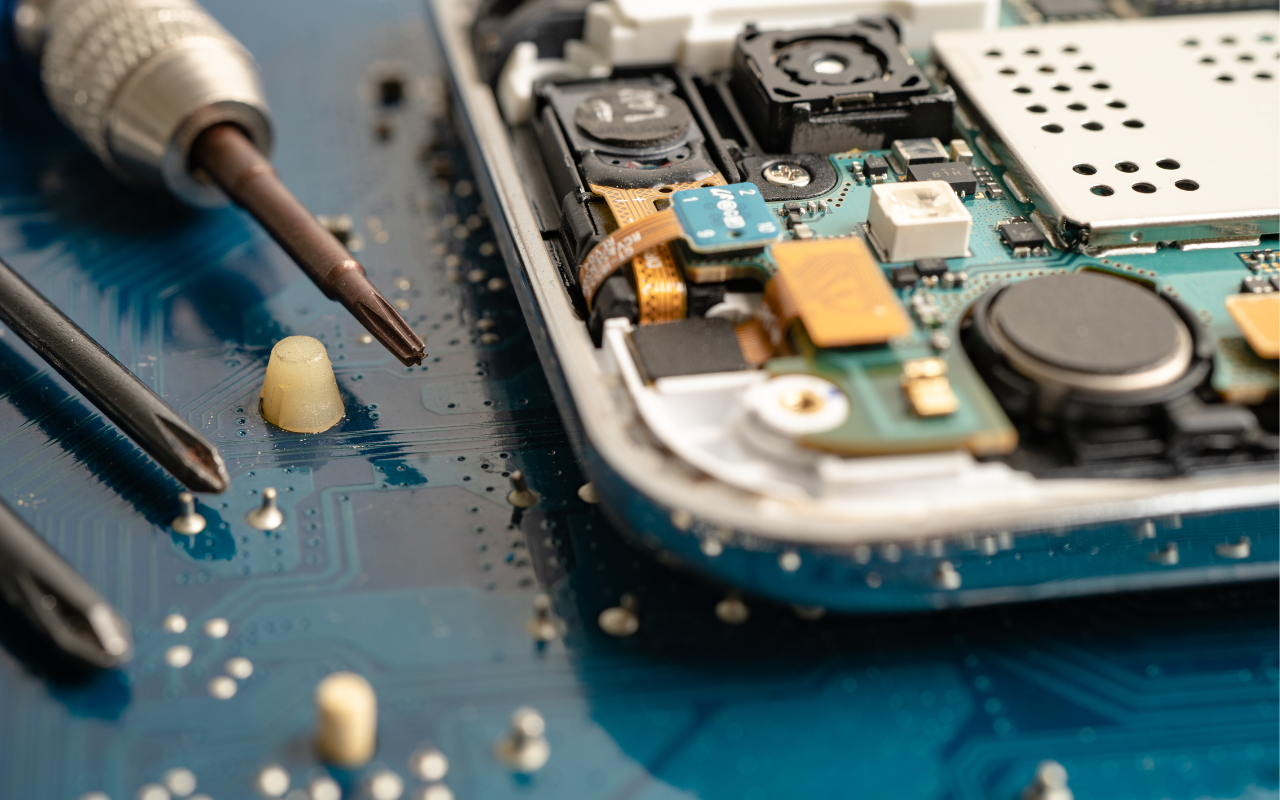
Our daily lives revolve around computers, enabling us to remain in touch, work well, and even find entertainment value. However, like any electronic device, computers are prone to issues that require professional repair. Whether it’s a broken screen, a slow system, or a virus infestation, understanding the repair cost will enable you to decide with knowledge. This guide covers everything you need to know about computer repair prices, ensuring you get the best value for your money.
Understanding Computer Repair Costs
Several elements affect the cost of computer repairs: the repair type, the problem’s intricacy, and the service provider. Some minor issues can be resolved cheaply, while more severe problems may require costly parts and labour. Here’s a breakdown of standard repair costs to help you budget accordingly.
Common Computer Repair Services and Their Costs
1. Basic Diagnostics
Before a technician can repair your computer, they must diagnose the issue. Most computer repair shops charge a diagnostic fee, which usually ranges from $50 to $100. Some service providers waive this fee if you proceed with the repair.
2. Virus and Malware Removal
Malware, spyware, and viruses can slow down your computer and compromise personal information. Professional virus removal services generally cost between $80 and $150, depending on the severity of the infection and the time required to clean your system.
3. Hardware Repairs and Replacements
Depending on the component that requires repair or replacement, hardware-related problems range greatly in cost. Here are some common hardware repairs and their estimated costs:
- Screen Replacement (Laptop): $100 – $300
- Keyboard Replacement: $50 – $150
- Battery Replacement: $50 – $200
- Hard Drive Replacement (HDD/SSD): $80 – $300 (depending on capacity and type)
- Motherboard Repair/Replacement: $150 – $600
4. Software Troubleshooting
Software issues, such as corrupted operating systems, driver problems, or software conflicts, typically cost between $50 and $150 to resolve. In some cases, a complete system reinstall may be required, which could increase the cost.
5. Data Recovery
Recovering lost data might be costly if your computer breaks or your hard disc fails. Essential data recovery services start at $100, but advanced recovery from severely damaged drives can cost $500 or more.
6. Custom Builds and Upgrades
If you want to upgrade your computer’s performance, costs will vary based on your chosen components. Here are the standard upgrade costs:
- RAM Upgrade: $50 – $200
- Graphics Card Upgrade: $150 – $1,000+
- Processor Upgrade: $200 – $600
Factors That Influence Repair Costs
Several factors determine the cost of computer repairs. Understanding these can help you assess whether a repair is worth it or whether you should consider replacing your computer.
1. Type of Repair
As shown above, simple repairs like virus removal cost significantly less than complex hardware replacements.
2. Labor Costs
Technician fees vary based on expertise and location. While some charge a fixed cost, others bill hourly rates—usually from $50 to $150.
3. Replacement Parts
If your repair requires a replacement part, the price of that component will add to the overall cost. High-end computers may require expensive parts, increasing the repair bill.
4. Service Location
Generally speaking, bringing your computer to a repair facility is less expensive than paying a technician to visit you. Onsite computer repairs can cost extra due to travel and convenience fees.
5. Urgency and Service Type
Emergency or same-day services usually come at a premium. If you need your computer fixed immediately, expect to pay more.
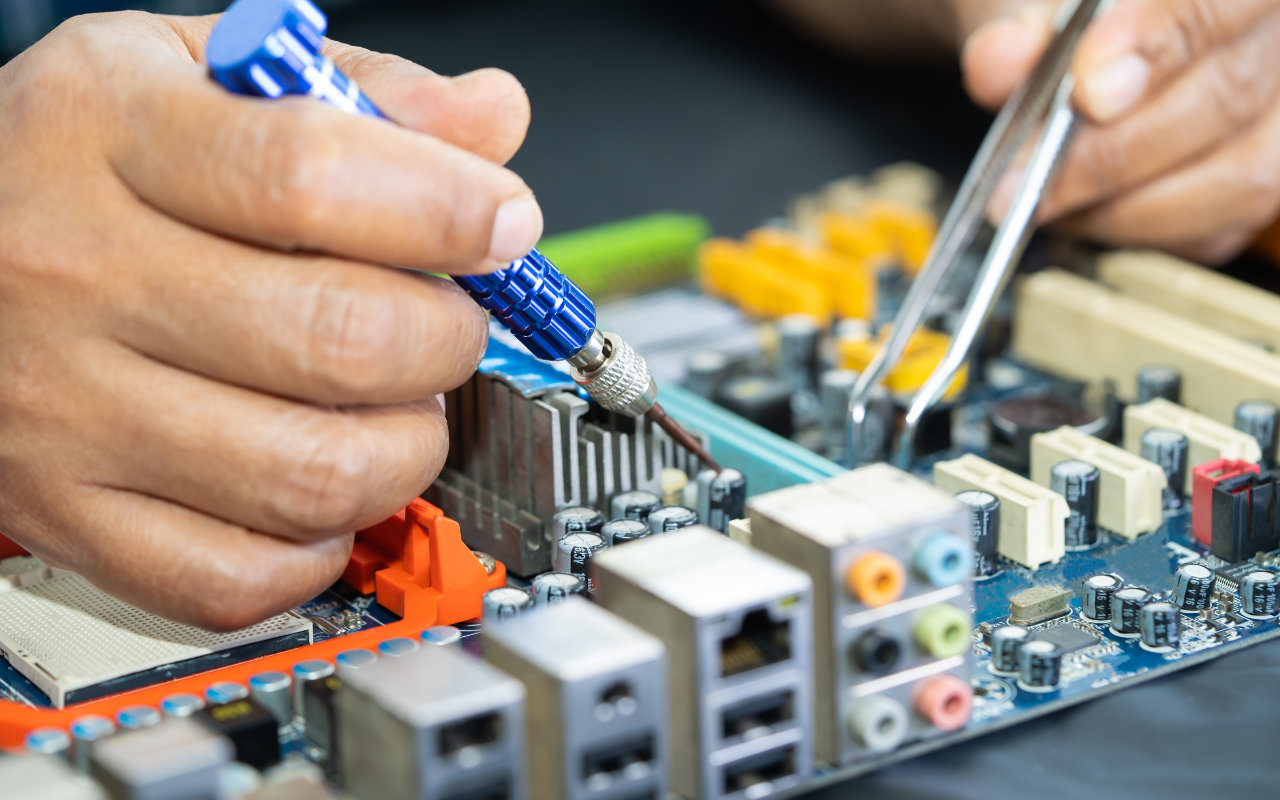
How to Save Money on Computer Repairs
While computer repairs can sometimes be costly, there are ways to minimize expenses. Here are some tips:
1. Compare Repair Quotes
Get quotations from several companies before choosing a repair facility. This guides you to identify the ideal cost for the required service.
2. Check for Warranty Coverage
Should your computer still be under warranty, you could be qualified for manufacturer-free or reduced repairs.
3. DIY Repairs for Simple Issues
If you’re tech-savvy, you can fix minor issues like software glitches, or RAM upgrades yourself, saving on labour costs.
4. Invest in Preventative Maintenance
Regular maintenance, such as updating software, running antivirus scans, and cleaning your computer’s internals, can help prevent costly repairs in the future.
5. Use a Reliable Repair Service
Choosing a trusted service provider ensures you receive quality repairs at fair prices. If you’re searching for a computer tech near me, check reviews and customer feedback before hiring a technician.
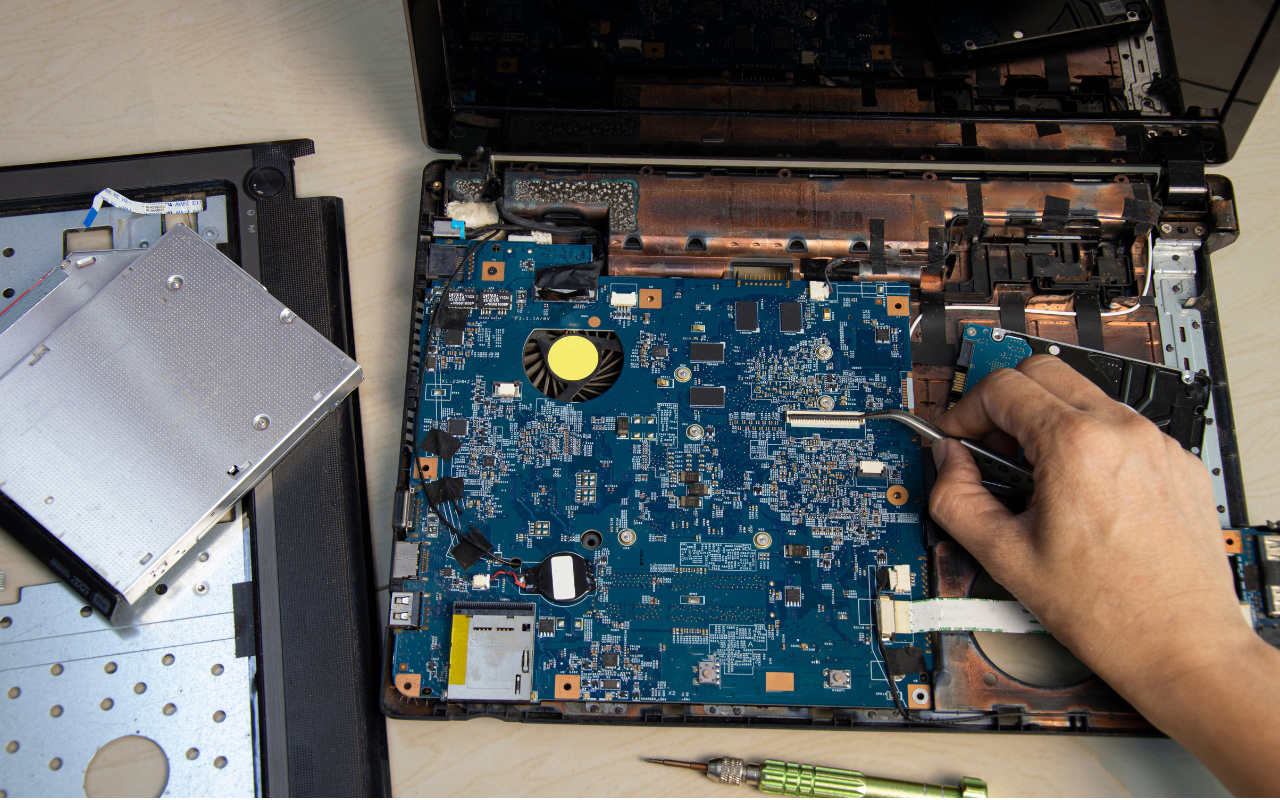
When to Repair vs. Replace Your Computer
Sometimes, repairing an old computer may not be the best financial decision. Here are some guidelines to help you decide:
- If the repair cost is more than 50% of the price of a new computer, it may be better to upgrade.
- Replacement might be more cost-effective if your laptop is over five years old.
- An upgrade could offer better long-term value if performance issues persist even after repairs.
Why Should You Choose Us to Handle Your Computer Repair Needs?
At Choicetel, we specialize in providing high-quality computer repairs at competitive prices. Whether you need help with onsite computer repairs, hardware replacements, or software troubleshooting, our experienced technicians are ready to assist you. We take great satisfaction in providing quick, dependable, reasonably priced services that guarantee your computer will be back functioning in no time.
If you need professional computer repair services, contact us today! Visit our website at Choicetel to learn more about our services and get a free quote.
Breaking Down Computer Repair Prices: What You Need to Know
Understanding computer repair prices helps you make better decisions when facing technical issues. Whether you have a minor software glitch or a major hardware failure, knowing the cost of repair services allows you to budget effectively. By following our cost guide and money-saving tips, you can ensure you get the best value for your repair needs. If you’re looking for a reliable and professional repair service, we’re here to help!
Regarding jili588, pretty typical gaming experience. I have had no issues with the software however. Lots of different games to play if you are bored. Check out the latest promotions too: jili588
So, I did my registration for angkasa168login and the process on my phone was super smooth and easy. Seems like a standard App. Play responsibly: angkasa168login
Yo, IDPragmatic88! Just signed up and the slots are fire! Smooth gameplay and already snagged a few wins. Definitely worth checking out. idpragmatic88
Pkspin, ¡ándale! Para los que les gustan las tragamonedas, este sitio es una buena opción. Tienen un montón de juegos diferentes y siempre hay nuevos para descubrir. Venga, a girar! pkspin
Alright, 3pattibluegame, huh? Gave it a shot. The gameplay is smooth and pretty fun. Could spend hours on this! Check it out yourself: 3pattibluegame
What’s up? Gave 555clubgame a spin. Pretty fun variety of games, keeps things interesting. Might be my new go-to! Hit it up: 555clubgame
Just trying to log into my 776pub account and stumbled across this login page. Looks official enough. Hopefully no issues getting in. Anyone else using 776pub? Get login at 776pubcomlogin
Hey, has anyone tried the mexlucky apk? Is it legit and fun? If you’re curious, you can find it here: mexlucky apk
Alright gamers, anyone given w577game a shot? Looks kinda interesting. See what it’s all about here: w577game
Shahspin has a really interesting selection of slot games. Been trying my luck on a few different ones, and the graphics are pretty impressive. Worth a shot if you’re a slot fan at shahspin!
Downloaded the Z8slotapp yesterday, now I have so many great slots to choose from! I’ve already won quite a bit! Download now from z8slotapp!
2jbet, huh? I’ve heard whispers. Seems like a real player’s spot. If you’re feeling lucky, maybe take a peek. You never know what you might find! Wanna try something new? Try 2jbet
Roobet’s always a solid choice for a quick gamble. Good selection of games and decent enough odds. Definitely recommend checking it out if you’re looking for something new at roobet
UG777Link… mmm, let me have a look. Not a bad layout. Seem to have a solid range of, just double check the T’s & C’s before you drop your money. Check it out: ug777link.
10criclive is my go to when i am watching sports, easy to navigate and easy to make smart bets when you see the game evolving. I definitely will suggest this website to others for sports betting 10criclive.