

Viruses and malware don’t just slow your system down — they can silently corrupt files, steal data, and lock you out of your own computer. For individuals and small businesses in Wynnum, the damage from a virus attack can quickly escalate into data loss, downtime, and frustration. If you live or work in Wynnum and over Brisbane need to fix corrupted files or remove a virus, it’s important to act fast.
If you’ve ever opened a file only to find it broken, unreadable, or missing after a virus warning, you’re not alone — and this guide will help you understand what’s happening, how to react, and when to call in professional help.
Signs of File Corruption After a Malware Attack
File corruption after a malware infection isn’t always immediate or obvious. Most of the users only discover issues days or even weeks after the original attack. If you’ve noticed any of the following, file corruption from a virus may be the cause:
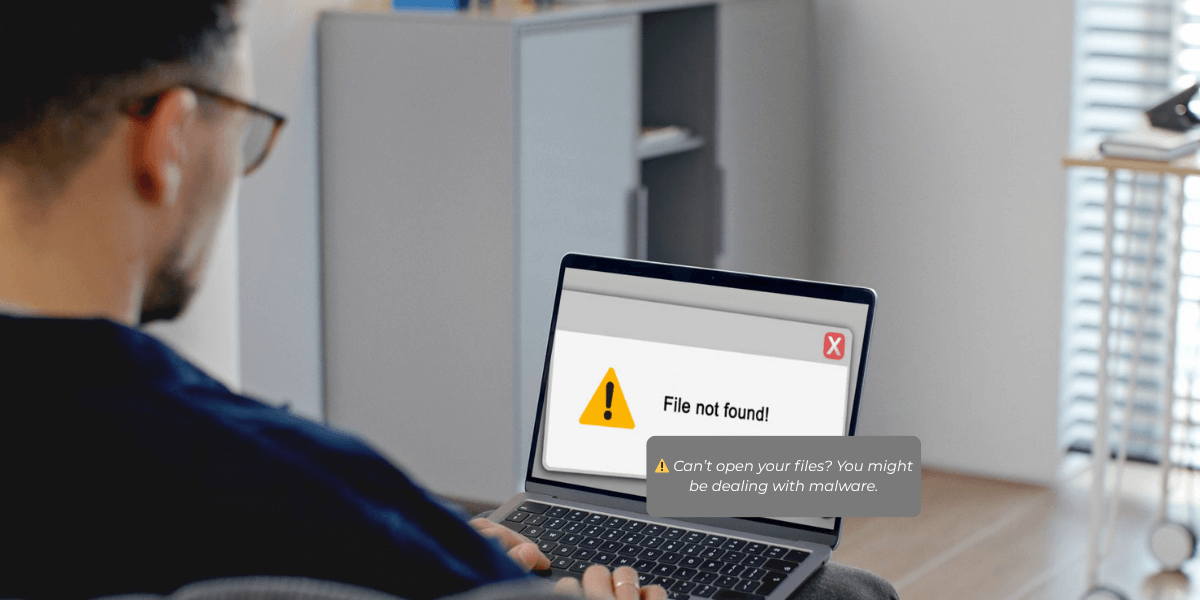
- Files won’t open or return unexpected error messages
- File names have strange characters or extensions (e.g., .locky, .zzzzz)
- You’re seeing folders or documents disappear or reappear
- Apps crash when opening certain files
- Your PC has become sluggish, or you’re seeing more pop-ups than usual.
These are signs that your device has been compromised, and malicious software may have tampered with your system or data.
Can Malware Damage Documents and Photos?
Unfortunately, yes. Some types of malware — like ransomware — are designed to go straight for your most valuable files. These attacks can encrypt or delete family photos, work spreadsheets, client records, and even shortcut icons on your desktop.
We’ve seen Wynnum locals deal with ransomware that locked them out of their entire system, demanding a payment just to access their files again. In these situations, recovering data becomes extremely time-sensitive, which is why our team often assists with retrieving lost or damaged files after virus attacks to help salvage what’s left.
Why Won’t My Files Open After a Virus?
There are a few common reasons your files may suddenly stop working after a virus infection:
- The malware encrypted your files (common in ransomware attacks)
- System folders were damaged, blocking access to your files
- File types got reassigned to the wrong program
- Malware is still running in the background, continuing to cause damage
If you’re not sure whether your system is clean or still infected, it’s best to speak with someone who can help. We assist users across Wynnum and Brisbane with removing viruses and hidden malware, helping restore normal function before any recovery attempts begin.
Recovering Personal Data After a Virus Attack in Wynnum
We often assist homeowners, freelancers, and small businesses in Wynnum and all over Brisbane who have been locked out of their files after a cyberattack. In these cases, data recovery must be handled carefully. Opening or moving infected files can lead to deeper corruption — or spread the virus to backup devices.
Whether you’re on a home laptop or a business workstation, our team provides onsite computer repair in Wynnum to assess the damage and safely recover your important files.
Moreover, we don’t just clean up your system — we help you understand what happened and how to avoid it in the future.
Why Local Help Matters: Wynnum’s Unique Risks
Many virus infections and file damage cases we see in Wynnum are from phishing emails, fake software updates, or file downloads that looked trustworthy. These threats often target small businesses, students, and work-from-home setups, knowing they might not have advanced cybersecurity.
Because we’re local, we understand the risks specific to Wynnum and Brisbane. Whether it’s a hardware issue, network vulnerability, or ongoing infection, we offer fast, in-person help — without the long waits and guesswork of remote-only support providers.
What to Do If You Suspect File Corruption or a Virus Infection
- Do not use the affected device immediately
Continuing to browse, save files, or run programs could permanently overwrite the very data you’re trying to recover. Shut down the computer and avoid DIY fixes until it’s professionally assessed.
- Do not download free tools from unknown websites
Lots of programs that promise to clean up your system or fix corrupted files are actually malware in disguise. These tools often make the situation worse by introducing more infections or locking down your files entirely.
- Call a local professional for help right away
Time matters when dealing with file damage or virus infections. The faster a qualified technician can inspect your device, the better the chances of recovering important files. ChoiceTel offers onsite and remote virus removal services in Wynnum, designed for fast, secure resolution.
If your PC is too damaged to bring in, you can also book a same-day onsite computer repair to get hands-on help at your location.
- Start planning your long-term protection
Prevention is always more cost-effective than data recovery. Ask your technician about secure backup solutions and real-time monitoring tools to defend your business or home computer from future threats.
We provide automated, encrypted backups — so even if your PC is infected tomorrow, your data stays safe and recoverable.
Don’t Wait Until It’s Too Late
Corrupted files, missing documents, and sluggish systems are more than just annoying — they’re signs of real threats to your data, your business, and your peace of mind.
If you’re in Wynnum or surrounding Brisbane suburbs and suspect malware or file corruption, don’t delay. Call for onsite computer repair in Wynnum for immediate response, expert recovery, and the peace of mind that your digital life is in good hands.