
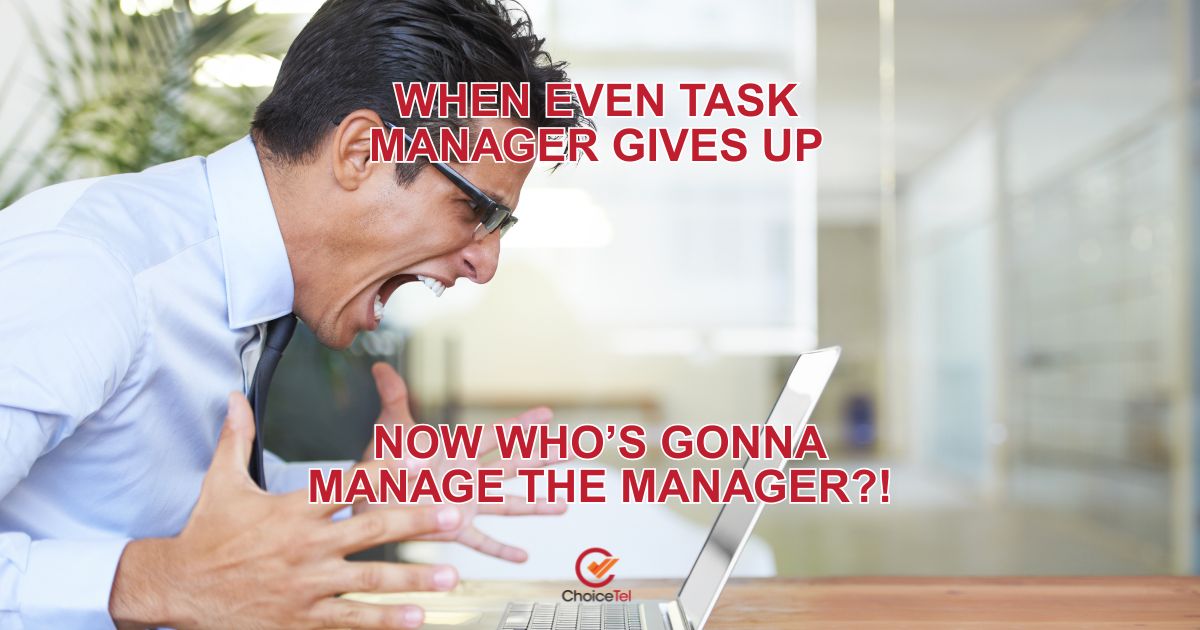
When your computer starts lagging or freezing, most people instinctively hit Ctrl + Alt + Del and open the Task Manager to diagnose what’s going wrong. But what happens when even the Task Manager refuses to respond? It’s frustrating, confusing, and often feels like there’s no way out. In this article, we’ll break down what causes Task Manager to stop responding, how you can fix it, and what to do if it keeps happening. Whether on a PC or with a MacBook, these tips can help you regain control.
What is a Task Manager?
You can monitor and manage the processes running on your computer with the help of the built-in Task Manager application in the Windows operating system. It’s an effective tool that enables you to terminate sluggish programmes, monitor CPU and memory utilisation, and identify the causes of system lag. When something doesn’t feel right with your computer, it’s the first place you go.
But just like any other software, Task Manager can crash, become unresponsive, or fail to open. When that happens, it can signal a larger issue affecting your system.
How Do I Get to Task Manager?

You can also right-click the taskbar, select “Task Manager,” or type “Task Manager” into the Windows search bar.
However, if none of these methods works or the Task Manager opens but immediately freezes, you’re likely dealing with a deeper system issue that needs attention.
Why Task Manager Might Not Be Responding
There are several possible reasons why Task Manager isn’t working correctly:
1. System Overload
When your computer is overwhelmed with processes—often due to a memory leak or heavy CPU usage—it may struggle to open or operate Task Manager. This is common when multiple applications are open, or malware secretly consumes resources.
2. Corrupted System Files
Core functions like Task Manager might malfunction if your operating system has missing or corrupted system files. This often requires running a System File Checker (SFC) scan to identify and repair the issue.
3. Malware or Virus
Some malicious software can disable the Task Manager to prevent you from terminating it. This red flag is that your system may be compromised, requiring immediate action.
4. Software Conflicts
Incompatible drivers or third-party software, including Task Manager, can interfere with Windows processes. A recent installation or update might be the culprit.
5. User Profile Corruption
Certain features and programs—including Task Manager—may stop working correctly if your user profile is corrupted. Logging into another user account can help you identify if this is the issue.

What You Can Do When Task Manager Isn’t Responding
1. Try Safe Mode
Restarting your computer in Safe Mode loads only the essential drivers and services. You probably have a software issue you can resolve if Task Manager functions properly in Safe Mode.
To boot into Safe Mode:
- Type msconfig and press Enter after pressing Windows + R.
- Under the “Boot” tab, check “Safe boot” and restart.
2. Use System File Checker (SFC) and DISM
To repair corrupted system files:
- Open Command Prompt as administrator.
- Type sfc /scannow and press Enter.
Once the scan is completed, follow up with:
DISM /Online /Cleanup-Image /restorehealth
These tools can fix many underlying issues that might be affecting Task Manager.
3. Scan for Malware
Use Windows Defender or a reliable antivirus programme to do a thorough system scan if you think a virus is at work. You can also use Malwarebytes for a more aggressive scan. Some malware turns off security tools and utilities like Task Manager to maintain control of your system.
4. Create a New User Account
If Task Manager works on a new user profile, your original account may be corrupted. In that case, transfer your files to the new profile and delete the old one.
5. Perform a System Restore
Restoring a system to a time when everything was operating normally may resolve the issue if you recently installed software or upgrades that were the cause.
- Open the Run dialog (Windows + R) and type rstrui, then follow the instructions to restore your system to a previous state.
6. Reinstall or Repair Windows
As a last resort, reset or reinstall Windows. This will restore all system functions, including Task Manager, to their default settings. Make sure to back up your data first.

Preventing Future Task Manager Issues
Here are a few habits that can help avoid future problems with Task Manager:
- Keep your system updated. Regular updates include patches for bugs and vulnerabilities.
- Avoid downloading software from untrusted sources.
- Run antivirus scans periodically.
- Regularly clean your startup programs and running processes.
When to Get Professional Help
If you’ve tried all the above and Task Manager is still not responding—or your system continues to lag, freeze, or misbehave—it’s time to seek professional help.
At Choicetel, we provide expert diagnosis and repair services for various computer problems. Whether you need virus removal, system reinstallation, or hardware diagnostics, we can help bring your device back to life.
We also offer specialised services such as Laptop repair, screen repair, and MacBook Repair. If you’re in Brisbane or the surrounding suburbs, our Onsite Computer Repairs Belmont service brings the fix to your door—convenient and efficient.
And for those setting up devices at home or the office, here’s a handy guide on How to Connect an Epson Printer to Wi-Fi, a common challenge we help our customers with.
Stay Ahead of System Glitches
Task Manager is your window into the inner workings of your computer. When it stops responding, it’s more than just an inconvenience—it’s a warning sign. Regardless of the cause of the damage—malware, corrupted system files, or an overloaded CPU—immediate action is necessary to prevent more damage.
The good news is that you can often fix it yourself with the proper steps and patience. But don’t hesitate to reach out for professional support when things get too complex or critical. At Choicetel, we have over 18 years of experience and a fully equipped workshop ready to tackle even the trickiest tech problems.
Very good partnership https://shorturl.fm/68Y8V
https://shorturl.fm/5JO3e
https://shorturl.fm/68Y8V
https://shorturl.fm/6539m
https://shorturl.fm/5JO3e
https://shorturl.fm/TbTre
https://shorturl.fm/bODKa
https://shorturl.fm/oYjg5
https://shorturl.fm/N6nl1
https://shorturl.fm/bODKa
https://shorturl.fm/YvSxU
https://shorturl.fm/a0B2m
https://shorturl.fm/j3kEj
https://shorturl.fm/68Y8V
https://shorturl.fm/oYjg5
https://shorturl.fm/9fnIC
https://shorturl.fm/6539m
https://shorturl.fm/TbTre
https://shorturl.fm/eAlmd
https://shorturl.fm/ypgnt
https://shorturl.fm/MVjF1
https://shorturl.fm/JtG9d
https://shorturl.fm/fSv4z
https://shorturl.fm/VeYJe
https://shorturl.fm/hQjgP
https://shorturl.fm/fSv4z
Start earning on autopilot—become our affiliate partner! https://shorturl.fm/c1NIj
Partner with us and earn recurring commissions—join the affiliate program! https://shorturl.fm/tMe2c
Invite your network, boost your income—sign up for our affiliate program now! https://shorturl.fm/ZDyXi
Refer customers, collect commissions—join our affiliate program! https://shorturl.fm/ZSDNm
Monetize your audience with our high-converting offers—apply today! https://shorturl.fm/Pw8OO
Share our link, earn real money—signup for our affiliate program! https://shorturl.fm/avBeN
Monetize your influence—become an affiliate today! https://shorturl.fm/MlGdP
Tap into unlimited earnings—sign up for our affiliate program! https://shorturl.fm/OCYsk
Join our affiliate community and earn more—register now! https://shorturl.fm/xJ4v6
Turn your network into income—apply to our affiliate program! https://shorturl.fm/njnCg
Start sharing, start earning—become our affiliate today! https://shorturl.fm/xq1cV
Start earning every time someone clicks—join now! https://shorturl.fm/2Hkc5
Sign up now and access top-converting affiliate offers! https://shorturl.fm/9j7Gh
Drive sales, collect commissions—join our affiliate team! https://shorturl.fm/BuFIS
Refer friends, collect commissions—sign up now! https://shorturl.fm/HFNmc
Share your link, earn rewards—sign up for our affiliate program! https://shorturl.fm/ym2FF
Become our partner and turn clicks into cash—join the affiliate program today! https://shorturl.fm/SNzHK
https://shorturl.fm/WWxWC
https://shorturl.fm/x9wR4
https://shorturl.fm/ZBmjt
https://shorturl.fm/80ADR
https://shorturl.fm/8VKZh
https://shorturl.fm/wcL51
https://shorturl.fm/rECMy
https://shorturl.fm/Qb9En
https://shorturl.fm/y8W9y
https://shorturl.fm/Bs9yl
https://shorturl.fm/Kok31
https://shorturl.fm/88REK
https://shorturl.fm/Upncc
https://shorturl.fm/iYFy2
https://shorturl.fm/QetyG
https://shorturl.fm/ODnb7
https://shorturl.fm/RPoAK
https://shorturl.fm/uJHwA
https://shorturl.fm/2xsDo
https://shorturl.fm/FueTV
https://shorturl.fm/y8hX4
https://shorturl.fm/unkQQ
https://shorturl.fm/lDQ0G
https://shorturl.fm/pUzae
https://shorturl.fm/z7NnJ
https://shorturl.fm/MjZyN
https://shorturl.fm/lTPfE
https://shorturl.fm/KwkMo
https://shorturl.fm/fAdvC
https://shorturl.fm/Sqp17
https://shorturl.fm/QFktx
https://shorturl.fm/uCMzl
https://shorturl.fm/6WJVY
https://shorturl.fm/Z5HL0
https://shorturl.fm/ZzJb1
https://shorturl.fm/BYZKr
https://shorturl.fm/oC6bG
https://shorturl.fm/wZYfp
https://shorturl.fm/tPGPT
https://shorturl.fm/gTiQg
https://shorturl.fm/Ezhm5
https://shorturl.fm/jlYz3
https://shorturl.fm/qRL5o
https://shorturl.fm/gXJ7O
https://shorturl.fm/Ue6x4
https://shorturl.fm/lPc6I
https://shorturl.fm/qQhhP
https://shorturl.fm/ytWR9
https://shorturl.fm/5qEVo
https://shorturl.fm/sAHuQ
https://shorturl.fm/eKMEJ
https://shorturl.fm/1YH1b
https://shorturl.fm/RnEeZ
https://shorturl.fm/0s8FZ
https://shorturl.fm/TXZxI
https://shorturl.fm/fGksp
https://shorturl.fm/dmcqn
https://shorturl.fm/kDsyl
https://shorturl.fm/aA2df
Boost your income effortlessly—join our affiliate network now!
Refer customers, collect commissions—join our affiliate program!
Your audience, your profits—become an affiliate today!
Join our affiliate community and start earning instantly!
Thanks in favor of sharing such a nice thinking, post is pleasant,
thats why i have read it entirely